
Price: $375 (kit) / $450 (assembled)
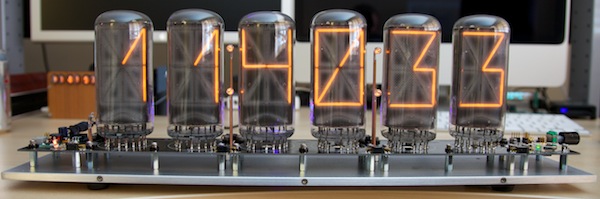
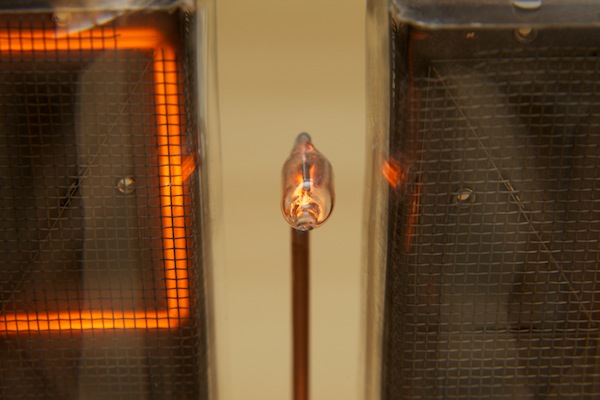
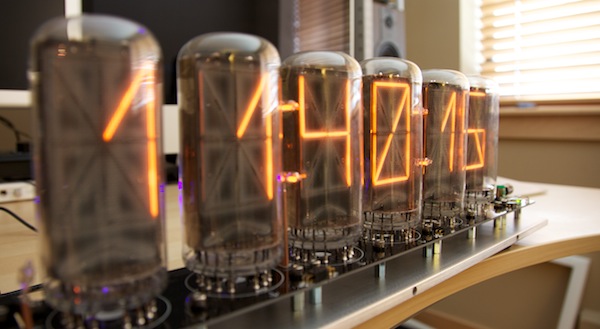
We’ll just this out of the way right now: this thing is big. It’s impressive. It commands attention in a room. If you thought your IN-18 clock was large, you haven’t seen this guy.
This clock is the combined work of Carl Ott and Michael Barile. It is sold as both a kit and fully assembled. Additionally, there is an optional acrylic cover that can be purchased to cover the tubes. Please note that tubes are not included with this device. I can’t blame them; they are difficult to find but they do pop up on eBay once and a while. If you have a stack sitting around, this clock is for you.
Video Review
{vimeo width="700" height="390"}25328823{/vimeo}
The electronics
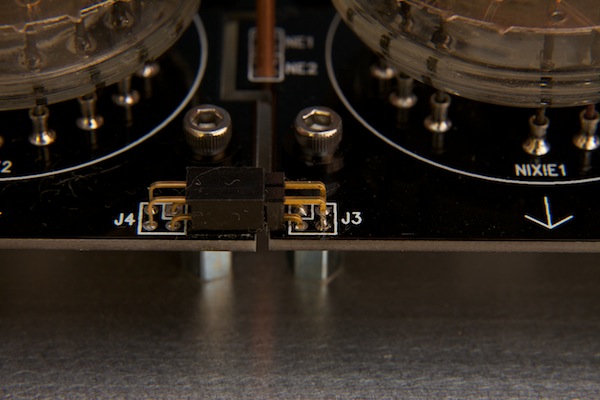
Carl Ott designed the boards as well as the firmware for this clock. He did a great job designing it to be modular; the clock comes in 5 pieces, 1 power supply, 1 CPU, 3 display boards (each one holding 2 tubes).
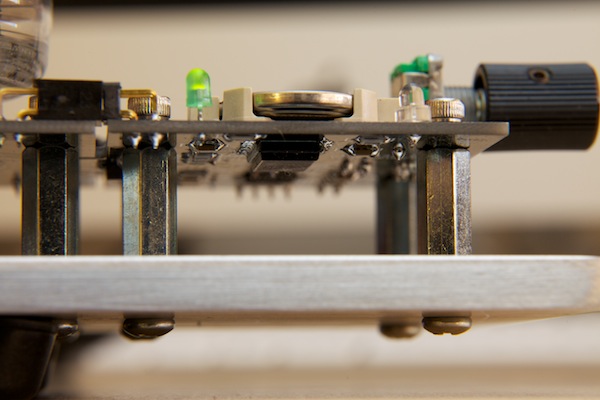
The PCB itself is a nice black board with the substantial portion of the components being surface-mount. In fact, lost of the circuitry is hidden on the underside of the board which gives the device a nice clean look.
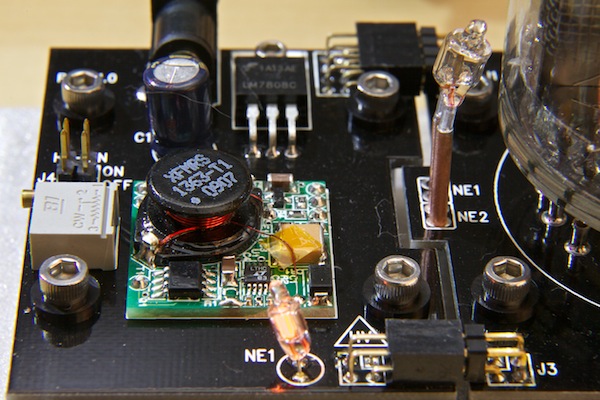
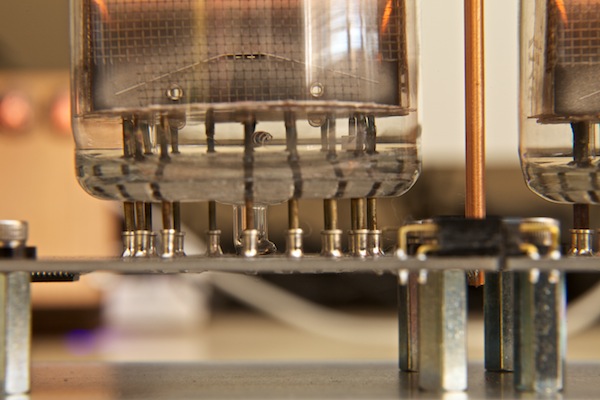
The power is supplied by a Taylor Electronics 45mA, 180V DC 1264 HVPS-H design. It is pretty cool; the device is about the size of a large postage stamp and it provide more than enough power to run the 6x B7971’s.
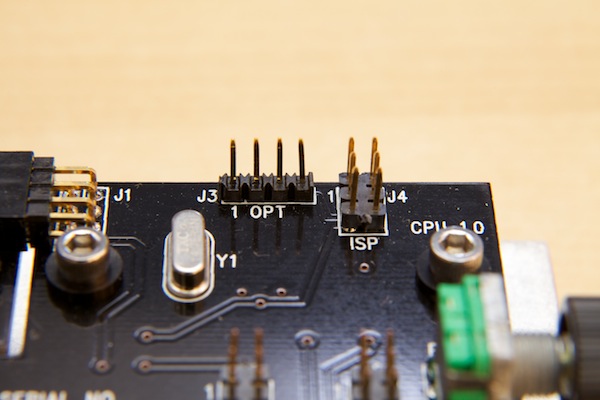
The CPU is an ATMEGA 168-20AU and there is a programming connector on the top of the CPU board. As new versions of the firmware are released, you will be able to use this interface to update the (already great) software.
The time is kept using a MAXIM RTC DS3232. It is a temperature controlled oscillator with an integrated real time clock. This device features an accuracy of +/- 2ppm in normal operating temperature ranges (or about 2 x 10^-6 accuracy).
Light Sensor
The clock allows you to set two brightness levels, appropriately named DIM and BRIGHT. Each value is set independently (0-255) and the clock can automatically switch between these based on the ambient light in the room.
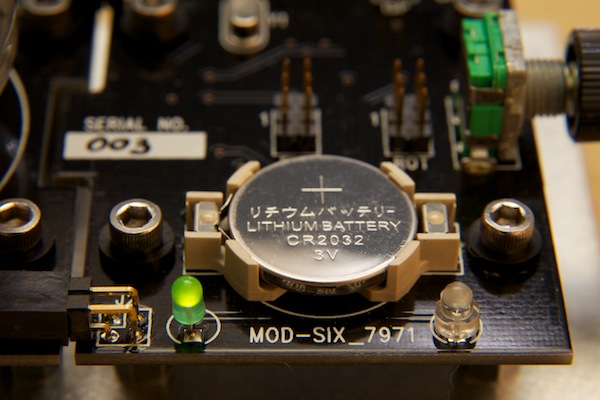
On the CPU board, to the right of the battery is what looks like a clear LED. This is a photo sensor that the clock uses to gauge the ambient light in the room. You can read the value of this via the menu (0-255) and use it to determine at what point you want the display to go dim or bright.
Once you have a level set that you like (mine is 200), you can set the threshold in the software. So, when the ambient brightness is at 200 or higher, it switches my tubes to BRIGHT. When it is less than 200, it sets them to DIM.
In addition to being a cool feature, this helps you prolong the life of the tubes. By keeping the displays dim, you can prolong the life of these already hard-to-find tubes.
Fonts
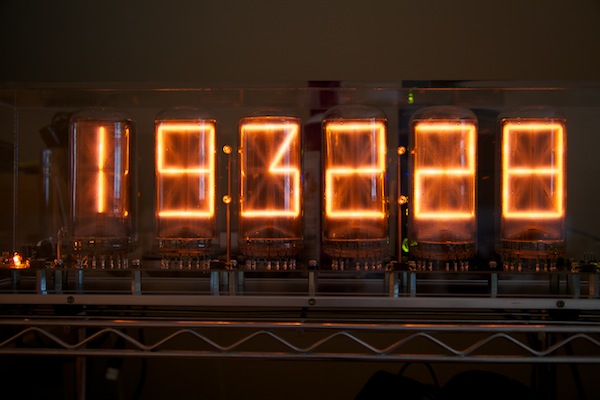
This clock has lots of built in fonts and some are defiantly more legible than others. The fonts only are used when changing the time; they do not apply to the menu items. The reason that it is setup this way is to prevent a user from selecting a hard-to-read font and then not being able to read the menu items. Be sure to watch the end of the video to see the font demonstration.
The Menu
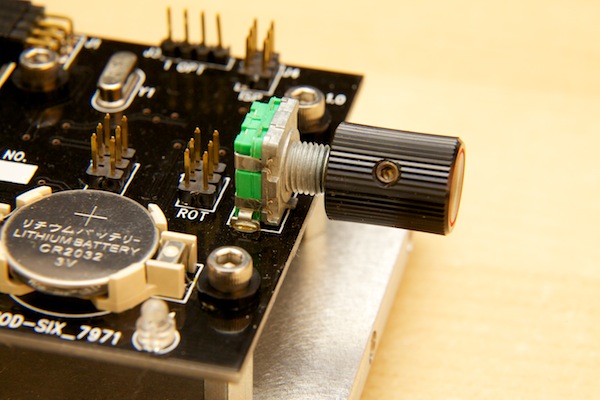
The menu on this device is awesome. All of the user input is done via the rotary encoder.
Most importantly: setting the time is easy. If the user briefly pushes on the knob, he is presented with the option to set the time. Simply turning the knob adjusts the highlighted value and pressing the knob in advances to the next option HH->MM->SS.
If the user long-presses the knob, they are taken to the menu. Each menu item is displayed, in text, one at a time as the user rotates the knob. Pressing the knob enters that particular sub menu. This may sound a little confusing but it is very intuitive in person. Be sure to watch the end of the video to see the menu options on display.
- Time
- Font
- Day
- Date
- Month
- Year
- DST MD (DST Mode on/off)
- Dim (the dim-level value)
- Bright (the bright-level value)
- LVLSET (ambient light level to switch from dom to bright)
- TM OFF (turn off display at this time)
- TM ON (turn on the display at this time)
- DOT MD (dot mode - determines how the colon separates operate)
- AM/PM
- XFade
- DATEMD (how frequently the date is displayed)
- DATEDL (How long to wait before displaying the date at the top of a minute)
- YEAR D (display year)
- 12/24
- LZ SUP (leading zero suppression)
- LED MD (LED Mode - on/off/auto)
- QWKSET (Enable the quick set menu for setting time)
- FNCAT (font catalog)
- Factory (factory reset)
- TUBETM (display the tube timer)
- SEGTST (segment test)
- ENCDIR (set rotary encoder direction)
- PWMVAL (set the PWM value)
- LDRTST (display the ambient light level)
- EXIT
Overall Impressions
I love it. Seriously. I really like this guy. If you have the tubes or have access to them, call BadNixie.com right now. There are are lot of features in this device so if you have any questions, please do not hesitate to leave a note in the comments below.
Images
Comments
If you've got 7971 tubes you have to have this clock. This is by far the best kit I've seen for these tubes.
Makes the insane prices of 7971's on eBay seem like bargain.
i tested them they are all doing well
i will let them all go for 60 dollars a
unit with sockets. the hole lot for 960.00 dollars.
Dear Tony, do you still have all 16pcs of the B-7971 nixie-tubes? I hope they´re in your hands! I would like to buy a minumim of 8pcs maybe all 16. Are you intersted? Regards Roman
RSS feed for comments to this post